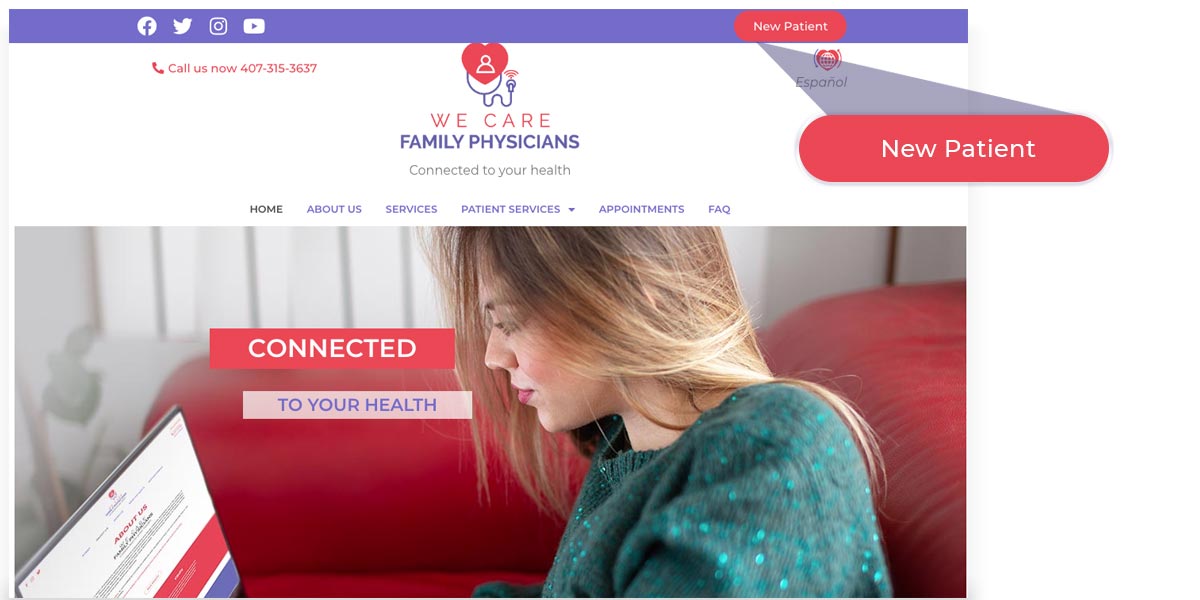
Step 1
Login to wecarefamilyphysicians.com and join as a new patient.
Step 2
Fill out the form and submit.

Step 3
You will receive an email from newpatients@wecarefamilyphysicians.com with access information of the patient portal, to register in our portal (RXNT), where you will enter your medical history and other required data which must be totally reliable for correct validation.
Step 4
You will receive a new email confirming your registration and from now on you will be part of our family of patients.

We accept health insurance plans. Please check and if your insurance is still not listed,send us a message through the patient portal or call us at 407-315-3637 for moreinformation. Our team of doctors is made up of excellent professionals with years of experience to assist you with your medical needs.


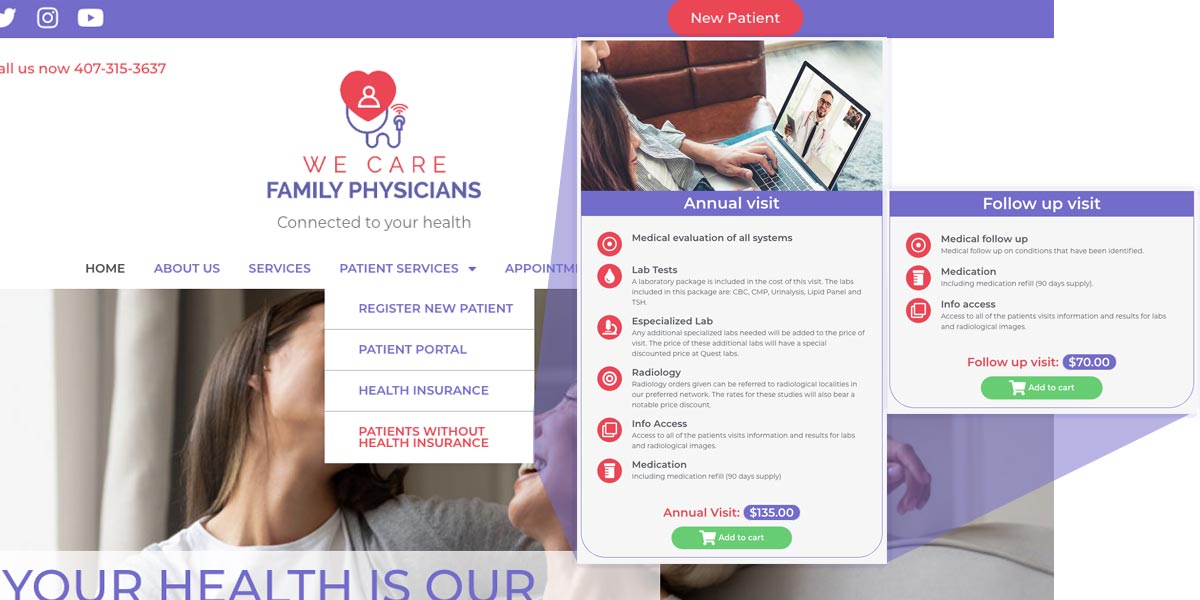 STEP 2
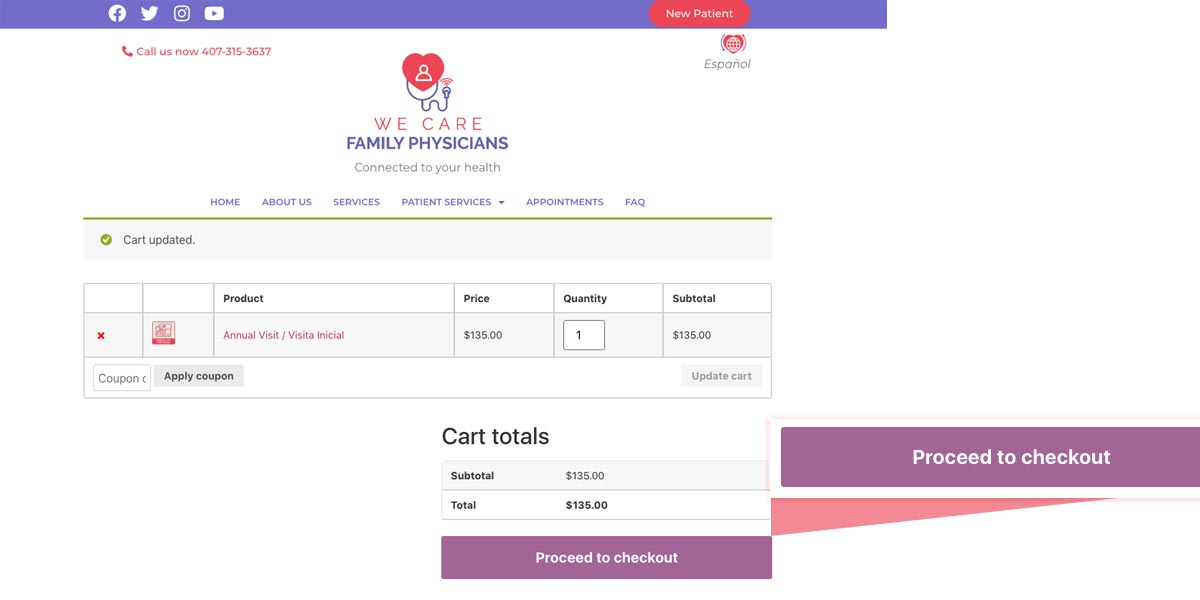
Select between initial or follow-up visit and press (Proceed to checkout)
STEP 2
Select between initial or follow-up visit and press (Proceed to checkout)
 STEP 3
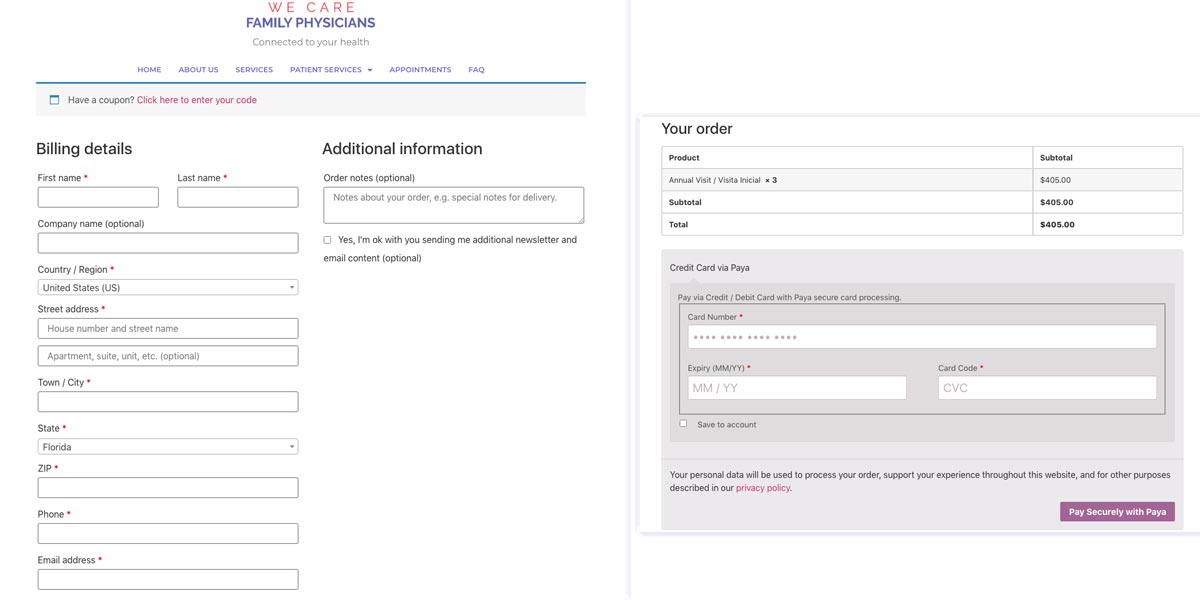
Carefully fill in the requested information plus the debit / credit card information and press (Pay Securely with Paya). You will receive an email from billing@wecarefamilyphysicians.com with your receipt and confirmation of your payment.
STEP 3
Carefully fill in the requested information plus the debit / credit card information and press (Pay Securely with Paya). You will receive an email from billing@wecarefamilyphysicians.com with your receipt and confirmation of your payment.
 STEP 2
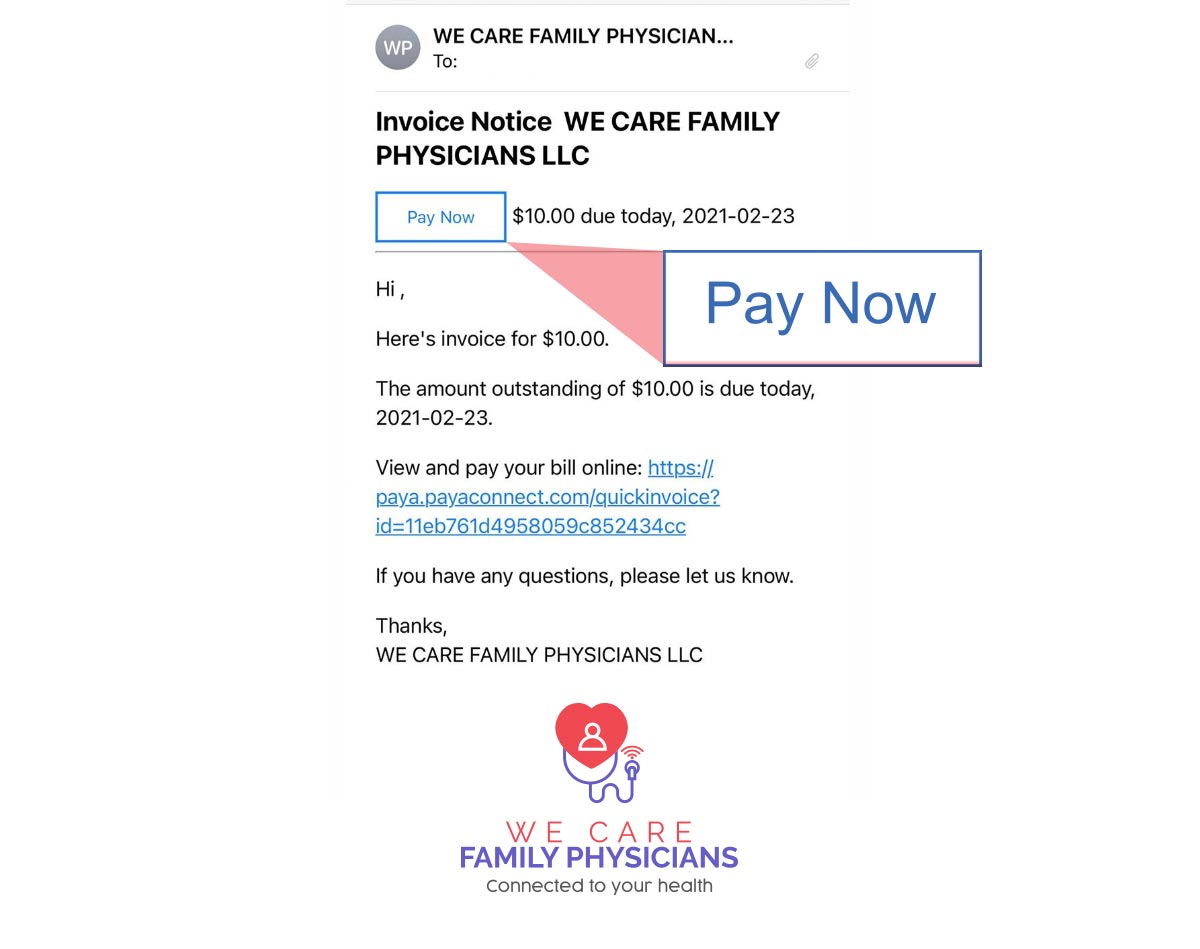
Carefully fill in your credit or debit card details and press (SUBMIT) to submit the payment.
STEP 2
Carefully fill in your credit or debit card details and press (SUBMIT) to submit the payment.

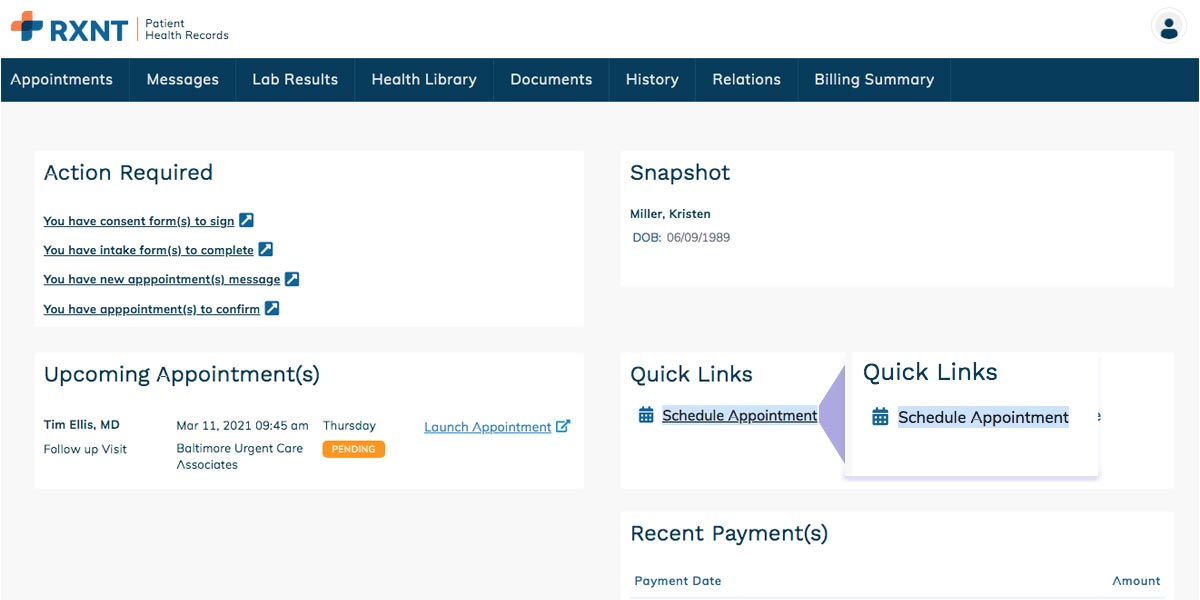
RXNT is an electronic medical record program, where your physician will be able to make clinical evaluations and decisions for patients, which includes the patient portal for your convenience. The patient portal will give you access to your medical record at all times where you can view and download your referrals and medications, among other options.
 STEP 2
Press Family History where several options will be displayed. Please select the option of your convenience, the problem (illness) and the current date, saving the information.
STEP 2
Press Family History where several options will be displayed. Please select the option of your convenience, the problem (illness) and the current date, saving the information.
 STEP 3
Press Past History. In this option mention your Medical History
(Medical Conditions), Surgical History (Name & Date), Hospitalizations
(Name & Date), Implanted Devices (Name), Allergies (Name) and
Medications (Name & Dosage)
STEP 3
Press Past History. In this option mention your Medical History
(Medical Conditions), Surgical History (Name & Date), Hospitalizations
(Name & Date), Implanted Devices (Name), Allergies (Name) and
Medications (Name & Dosage)
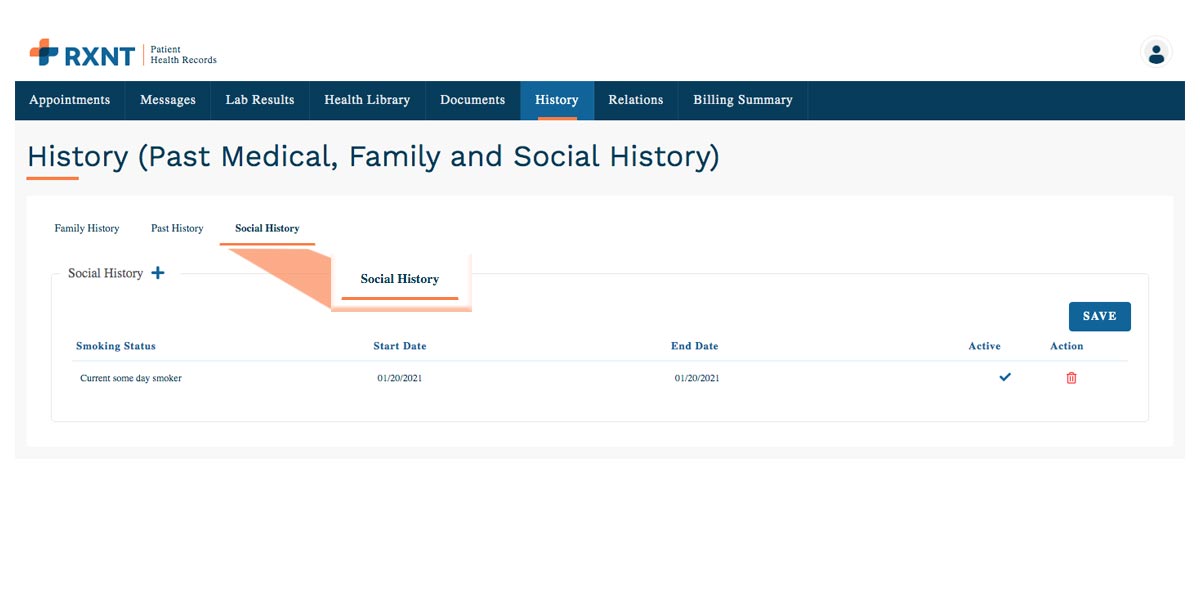
 STEP 4
Press Social History and check when you started smoking and when you stopped smoking (IF APPLICABLE).
STEP 4
Press Social History and check when you started smoking and when you stopped smoking (IF APPLICABLE).